
Day #25: superReply, the revolutionary Chrome extension
Today I want to talk about superReply, the revolutionary Chrome extension that helps people save time and effort by using artificial intelligence
READ MOREJanuary 7, 20231 Comment
Imagine always having the right words in customer care and sales. That's superReply. Smart Email Response Generator Extension for Gmail and Outlook.
We take your privacy seriously. Your AI-powered email replies are safe, and superReply doesn't store them on our servers.
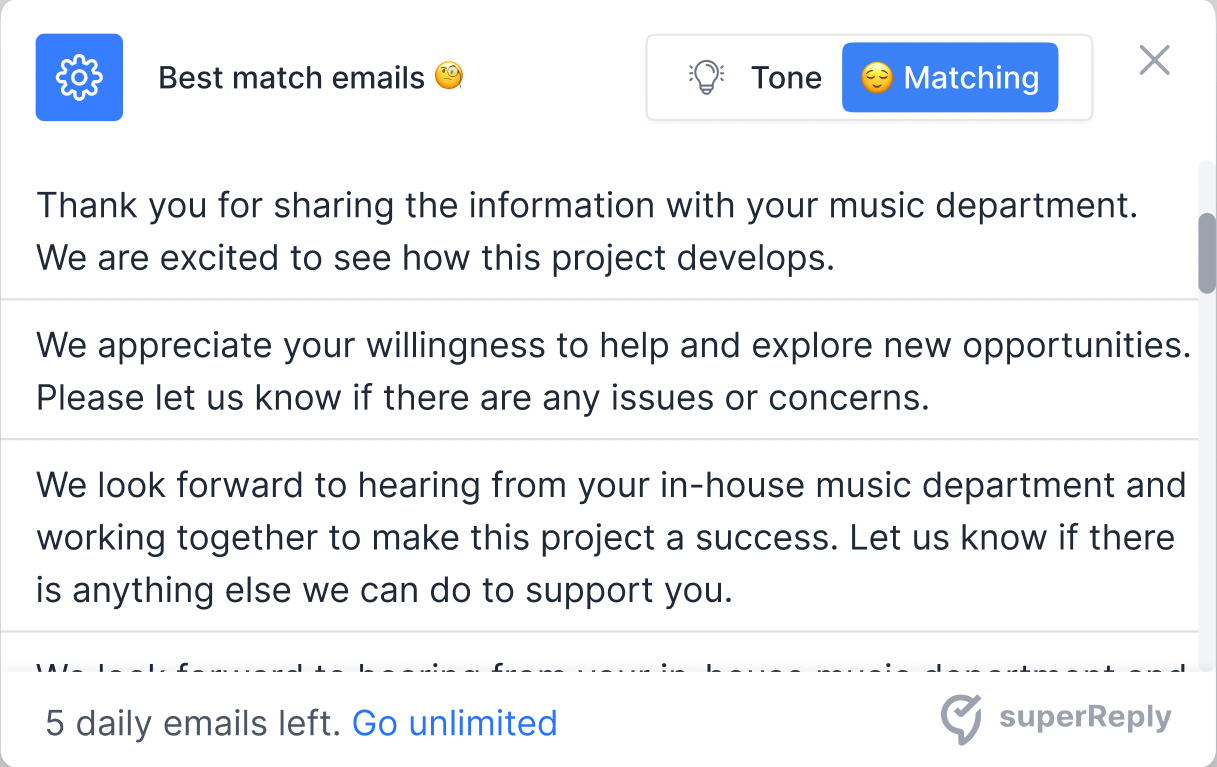
Improve your productivity and free up time with superReply's AI-powered email replies.
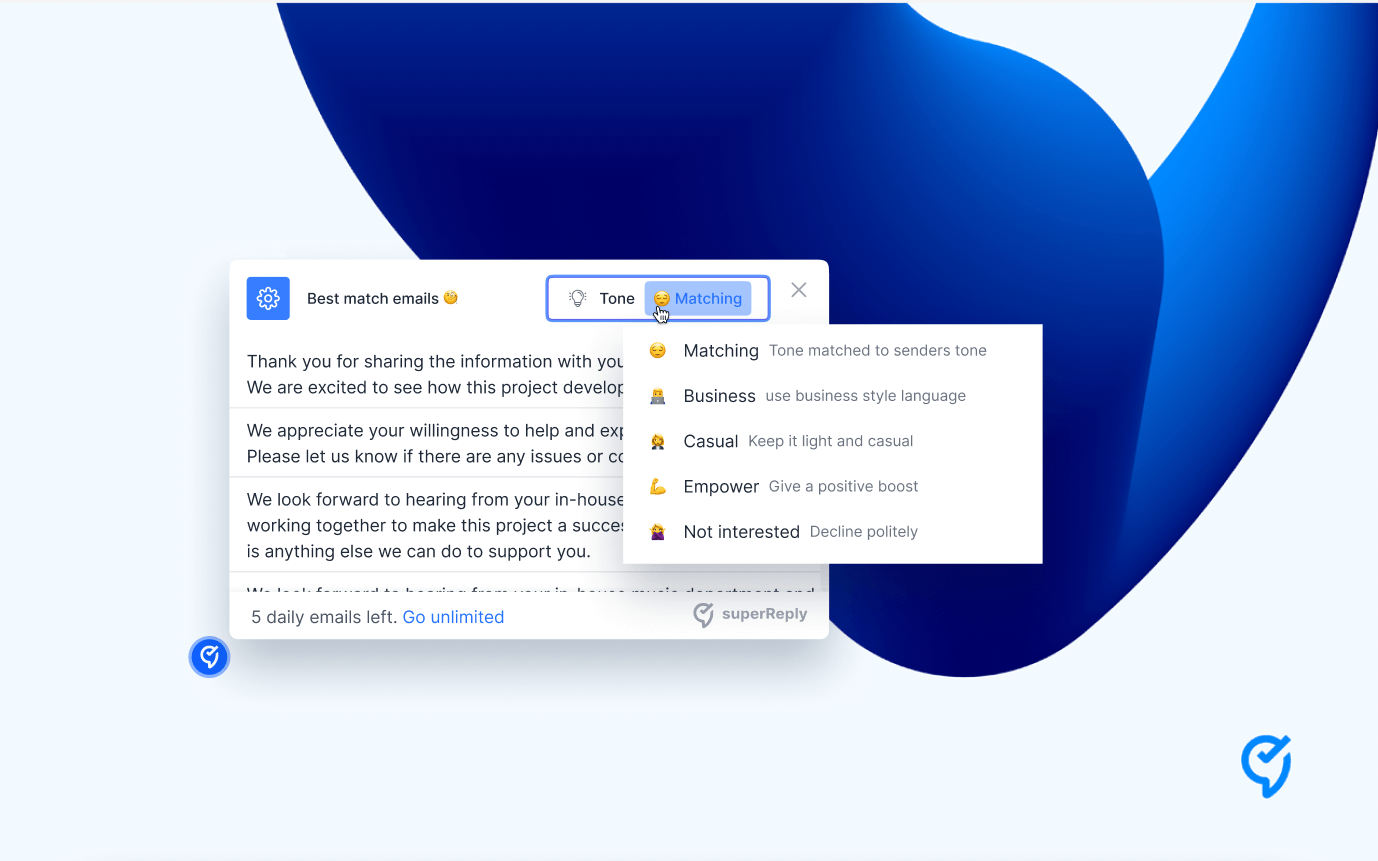
Experience the magic of instant email handling with just a click and enjoy email response automation from superReply.
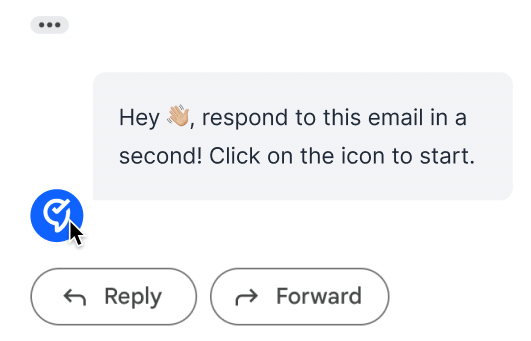
Our AI-powered writing assistant suggests personalized responses for any situation, whether a professional email or a casual conversation with a friend.
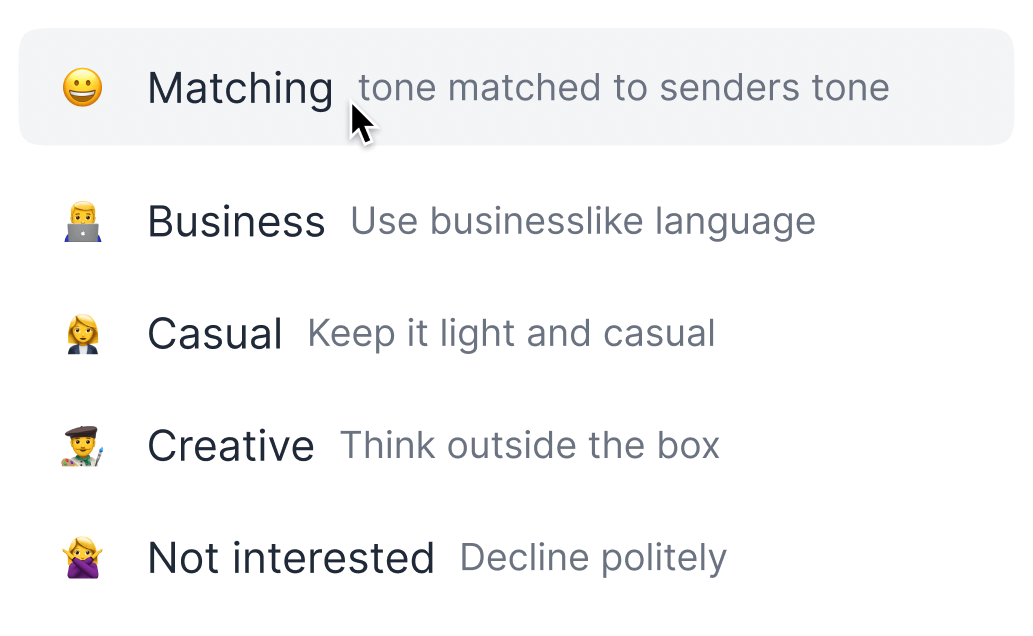
Find the perfect response! One click with superReply gives you options for AI-powered email replies, ensuring you always have the right words.

Our AI Email Reply Extension is free to start, allowing you to send up to 90 emails monthly without any cost.
Use email response automation to craft the perfect tone for every customer query and sales pitch.
We take your privacy seriously. Your AI-powered email replies are safe, and superReply doesn't store them on our servers.
superReply only accesses the emails you choose to use it on. Additionally, we do not store any automated email responses on our servers. To ensure the protection of your data, we use industry standard encryption and take its security seriously. We see every precaution to ensure the security of your data.
Download Free ExtensionsuperReply works right where you do — across the tools and platforms you already use every day.
 Google Chrome
 Gmail
Gmail Outlook
 WhatsApp
 Slack
Slack LinkedIn
 Upwork
 Fiverr
Yes! superReply is free to start. You can send up to 90 AI-powered email replies every month at no cost. When you need more, you can upgrade to a paid plan.
Each individual user should install superReply on their own browser with their own account so replies stay personalized and secure. Team plans are available if you need to manage multiple seats.
superReply is free for your first 90 replies each month. Paid plans unlock unlimited replies and advanced tone controls, billed monthly or annually.
Our support team typically responds within one business day. You can reach us anytime at shahar@superReply.co.
Install the superReply extension from the Chrome Web Store, sign in, and it will appear automatically inside your Outlook web inbox.
Add superReply from the Chrome Web Store, refresh Gmail, and the reply assistant will show up right inside your inbox.
You can cancel anytime from your account billing settings. Your plan will remain active until the end of the current billing period.
Building in Public
Follow the day-by-day journey of building superReply, the AI Chrome extension that helps you write better email replies in seconds.
Today I want to talk about superReply, the revolutionary Chrome extension that helps people save time and effort by using artificial intelligence
READ MOREThe launch is behind us and the real work begins. I spent the day reviewing feedback and planning the next set of improvements for the team.
READ MORENothing beats the feeling of opening your inbox and seeing real messages from users telling you how superReply helped them today.
READ MOREToday marks the official launch of superReply and let me tell you, it has been a wild ride. As I prepared for the launch, I
READ MOREIt's been 22 days since I started building superReply and I've made the decision to hold off on launching the product until Tomorrow. I realized
READ MOREIt's day 21 of building "superReply," my new Chrome extension. Today was all about getting ready for our launch day Tomorrow! I spent the day
READ MOREDay 20 of Building superReply has been a thrilling one! I've learned so much and can't believe what we've accomplished in just 20 days. Today
READ MOREToday marks day 19 of building superReply and things are really starting to come together. I'm extremely excited about everything that's been happening lately and
READ MOREToday marks day 18 of my journey building "superReply," and it's been a wild ride so far. I'm thrilled to see what we've been able
READ MOREToday marks day 17 of my journey building "superReply," a chrome extension that I'm excited to launch on January 1st, 2023. It was a long
READ MOREIt's day 16 of building superReply and the countdown to our January 1st launch is on. Today was a big day for our team, as
READ MOREAs I embark on my journey to build a Chrome extension called "superReply," there have been many challenges and exciting moments along the way.
READ MOREToday was a big day for superReply. I woke up feeling well rested after a long week of hacking and hit the ground running. I
READ MOREIt's been a busy few days here as we've been working hard to get our Chrome extension ready for launch on January 1st, 2023. Today
READ MOREDay 12 of building superReply and I'm already seeing major progress. I started the day by chatting with my developer about what we need to
READ MOREI want to give a special shoutout to my developer Hashir, who is celebrating his wedding this week. I sent him a gift to show
READ MOREWith only 10 days until launch, I've been working closely with my developers to iron out any issues and make sure our product is ready
READ MOREToday was day nine of my journey building the SuperReply Chrome extension, It was also Hanukkah today, and we lit the first candle to celebrate.
READ MOREIn this session, I want to discuss my plans for building a successful company. I have a good feeling about this project and believe it
READ MOREAs I continue on my journey building a Chrome extension with the goal of reaching 1 million users, I've had some exciting developments to report.
READ MOREAs I was building my chrome extension, I faced a common user experience problem: when viewing emails in the main window of Gmail, the snippet
READ MOREToday was a productive day for our team as we were able to secure the services of two highly skilled developers, Hashi from Pakistan and
READ MOREAs I've been building this product, user experience has always been a top priority for me. Recently, I received some feedback from users who said
READ MOREMajor Update Alert! I am beyond excited to share that our AI model for the new email app is finally working! After
READ MOREHey everyone! I'm excited to share my journey as I work on building a new app that uses AI to help people reply to emails
READ MORE